About Program
- The Master DevOps Cloud program offered by Linux2Cloud covers a wide range of topics, including configuration tools, scripting, and DevOps tools.
- The course provides hands-on training in popular cloud services like AWS, Ansible, Docker & Container, Terraform, Nagios, and Jenkins.
- The program is designed to equip students with the skills and knowledge necessary to implement continuous integration and delivery in cloud environments.
- Manage users and groups, including using a centralized directory for authentication and manage security, including basic firewall and SELinux configuration.
- The course curriculum includes a deep understanding of Linux, which is essential for cloud computing.
- The program also focuses on security and monitoring in cloud environments.
- Graduates of the program will be well-prepared to lead DevOps teams and drive innovation in cloud computing.
- The program's real-world scenarios and hands-on training ensure that students have the practical skills necessary to succeed in the field.
- The program's emphasis on popular DevOps tools and techniques prepares students for success in the highly competitive field of cloud computing.
Key Highlights

Duration 65 hours
Live interacting learning
10+ projects and exercises
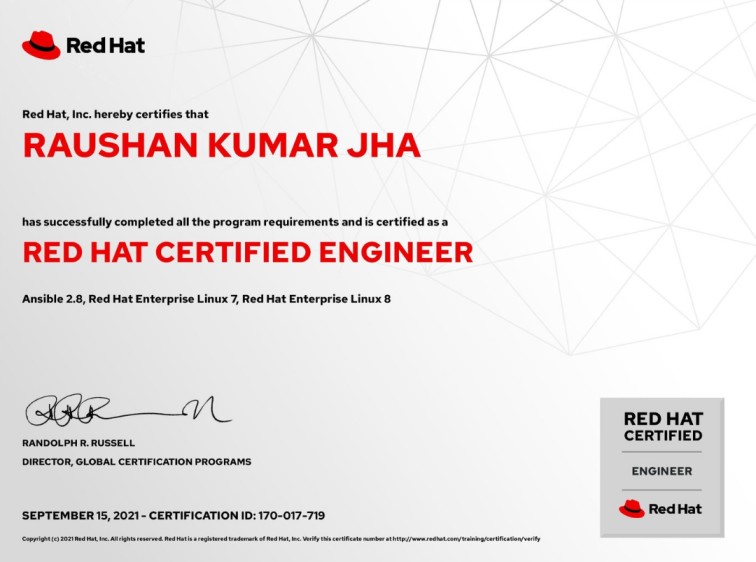
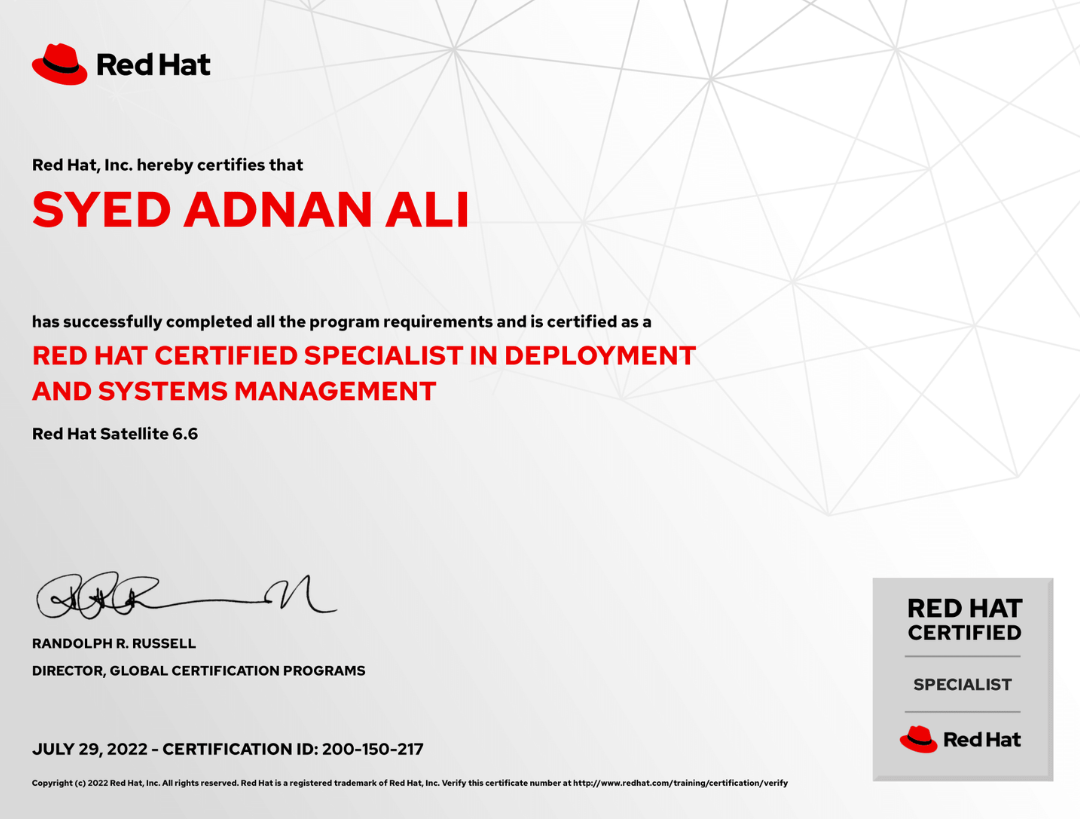
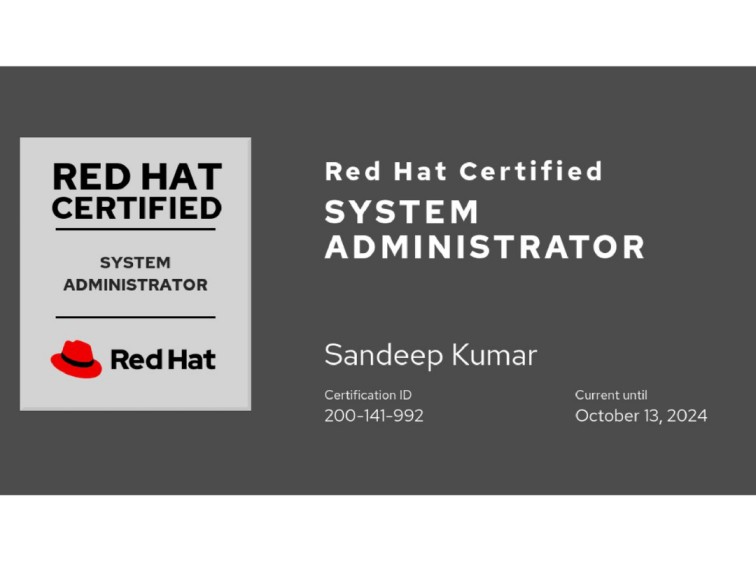
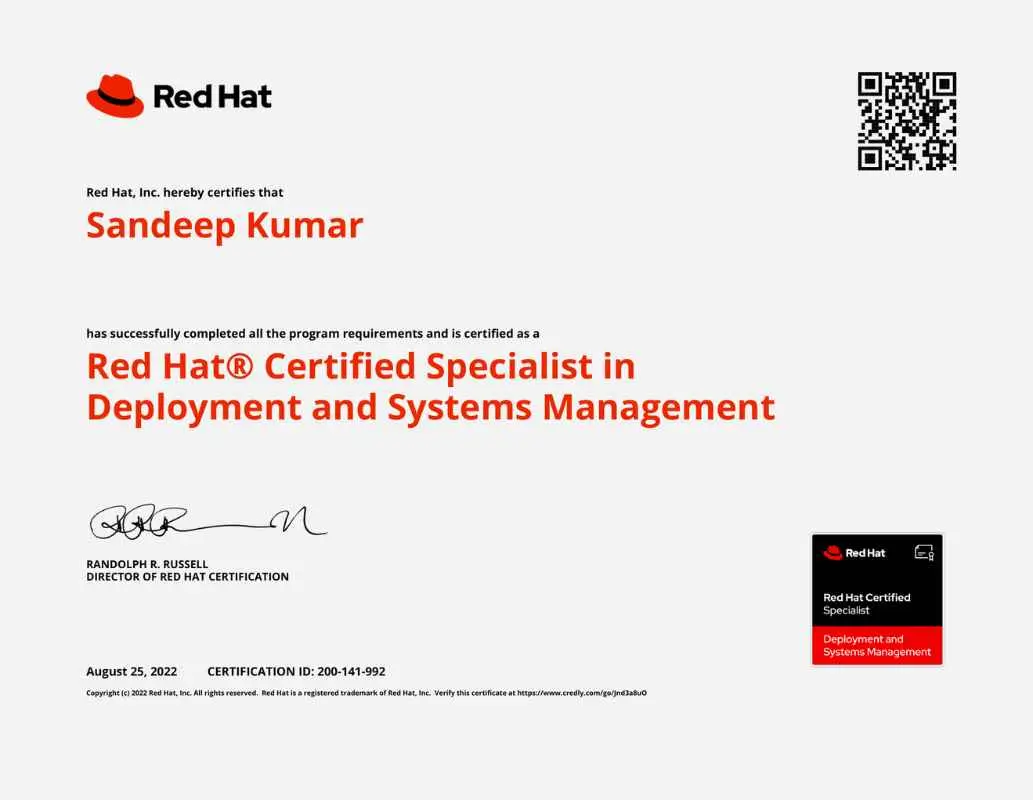
Course completion Certification
100% Job assistance program
Flexible Schedule
Recorded videos of classes
1:1 with Industry Mentors
Soft Skills Essential Training
Access to Learning Management System
Program Advantage
On completion of this course, you will get the following:
-
Completion certificate from Master In DevOps.
-
Be in a position to clear the requisite certification exams and land the best jobs.
-
Hands-on practical training from beginner to advanced level.
Free Career Counselling
We are happy to help you 24/7
Career Transition

Akshat Puri
One of the best institutes i have studied in so far. A very big thank you to Linux2Cloud because of the learnings and confidence gained after completing my course i was able to clear my interview and bag a CTC of 20 plus LPA .
Detailed theory is followed by practical's and assignments for cementing the concept Well prepared LABS provided for practicing the learnings . Biggest plus you get additional complimentary sessions to prepare for your respective certifications at no additional cost .
 59% Average Salary
Hike
59% Average Salary
Hike
.png) 20 LPA Highest
Salary
20 LPA Highest
Salary
 700+ Career
Transitions
700+ Career
Transitions
 100+ Hiring Partners
Who Can Apply for the Program?
-
IT operations professionals
-
Network administrators
-
DevOps consultants
-
Systems, network, and cloud administrators
-
Testing, software automation, and security professionals
-
Non-IT professionals aiming to build a career in the cloud domain
-
Fresher’s who are graduated can apply for the program as well

Curriculum
Master In DevOps
65 Hours 11 Module
Outline for this course
Module 01 – Introduction of DevOps
History and objective of DevOps
DevOps and Software Development Life Cycle
Waterfall Model
Agile Model
Introduction of DevOps Tools
OS
Cloud Computing
Configuration Automation
Infrastructure Automation
Version Control System
Container Services
Container Orchestration
Integration Tools
Monitoring Tools
Analytic Tools
Module 02 - AWS
Cloud Platform Overview
Introduction of Cloud and AWS
AWS Sign UP
AWS Free Tier Overview
AWS Global Infrastructure
Regions, zone and Edge Location
Accessing AWS Console
AWS Web Console
Cloudshell
Awscli
AWS Budget Setup
AWS Compute
AMI
EC2 Instance
EC2 Instance type
EC2 Public, Private
EBS Storage
Security Group
Key pair
Boot Strapping
Loadbalancer
Route53
What is DNS
DNS Records
AWS Networking
VPC and Its Component
Configure VPC
Other Networking components
Simple Storage Service (S3)
Introduction of S3
Advantage of S3
Operation with S3
More AWS Service
RDS
DynamoDB
Redshift
Autoscaling
Cloudwatch
Cloud Trail
Trust Advisor
IAM
Module 03 – Linux
Introduction of Linux
Installation
Access the command line
Manage files and Directories from the command line
Managing Files with Vim Editor
Process related commands
System related commands
File system commands
Manage local users and groups
User and Group Management commands
User and group related files
sudo
Managing Permission
File Permission
Describing the permissions
Changing the permission
Changing Ownership
Manage networking
Checking Network information
Modifying network configuration
Troubleshooting commands
Configure and secure SSH
Keyless Authentication with SSH
Remotely File transfer
Install and update software
Basic Storage Concept of Linux
Module 04 – Scripting
Working with Shell and its variable
User define variables
Understanding and writing shell scripting
Conditions in script
Loops in scripts
Some use cases
Module 05 – Git
Introduction of VCS
Architecture of GIT Working Dir, Staging Area, Repository
Managing Projects in GIT Hub
Concept of branches in GIT
GIT Clone, commit, push
Module 06 – Ansible
Introduction to Ansible
Benefits of Ansible
Components of Ansible
Architecture of Ansible
Deploy Ansible
Setup infra
Installing Ansible
Integrate ansible with AWS
AdHoc command
Implement playbooks
Manage Variables and facts
Variablized Playbook
Introduction of facts
Using Facts in playbook
Conditions in Playbook
Register and debug in playbook
Loops in playbook
Conditions in playbook
Roles in Ansible
Module 07 – Terraform
Introduction of IaC
Installation of Terraform
On Window
On Linux
Choosing IDE for terraform IaC
Visual Code
Git bash
Setting AWS Account for terraform
Creating IAM user on AWS
Authentication with IAM User on Server
Terraform Lifecycle
Terraform State File
Storing State File remotely on S3
Terraform Module
Writing Terraform Code
Module 08 – Docker 4hrs
Introduction of Container Services
Introduction of Docker
Architecture of Docker and it's component
Docker Registry
Private Registry
Public Registry
Operation in Docker
Pull
Run
Exec
Env
Port
Volume
Push
Start
Stop
Remove container
Remove image
Dockerfile
Module 09 – Kubernetes 9hrs
Introduction of Kubernetes
Architecture of Kubernetes
Master Node
Worker Node
Pods
Services
Components of Kubernetes Master
API
Control Manager
Deployment
Dameonsets
StatefullSet
Static Pod
Scheduler
nodeName
nodeSelector
Affinity
AntiAffinity
Taints
Tolerance
ETCD
Installation of Cluster
Installing Minkube
Installing on EKS
Installing on GKE
Authenticate with Cluster
Deploy Applications in Cluster
Deployment in cluster
Exposing application
Create Service resource
NodePort
Loadbalancer
Troubleshooting
logs
pod state
kubelete service
Troubleshoot Static Pod
Module 10 – Jenkins
Introduction of Jenkins
Installation of Jenkins
Adding Remote host
Configure Jenkins Agent
Notification in Jenkins
Webhook Integration
Scipts based Jobs in Jenkins
Ansible based jobs in Jenkins
Configure Jenkins Agent
Jenkinsfile to build Pipeline
Build Docker image and push to registry
Connect with K8s Cluster
Run the deployment
Run terraform pipe to build infra on AWS
Module 11 – Prometheus and Grafana
Introduction of Prometheus
Feature
Components
Metrics
Architecture
Installation of Prometheus
Node Monitoring with Prometheus
Installation of exporter
Query in Prometheus
Alerting in Prometheus
Install and configure package
Create notification
Alertmanager
Rules in Alertmanager
Introduction of Grafana
Components of Grafana
Installation
Dashboards
Demo dashboard
Create Prometheus data source
Import Dashboard
Configure Grafana in K8s Cluster
Adding Alert manager in Grafana
Maging Users and Roles in Grafana
New Batch Starting From
11th
Feb 2023 Saturday-Sunday
8:00 AM to 11:00 AM IST
27th
Feb 2023 Monday-Thursdays
6:00 PM to 9:00 PM IST
Interested in This Program? Secure your spot now.
The application is free and takes only 1 minutes to complete.
Projects
The project aims to enhance the security and performance of the Linux server by implementing best practices recommended by RHCSA (Red Hat Certified System Administrator) and RHCE ( Red Hat Certified Engineer ). This server will host various web, email, and database services. The project will focus on the following areas:
Reviews

Vikas Pandey
I really enjoyed and learnt a great deal in the training sessions of Course.so. I joined the institute on my friend's recommendation and I'm really glad I did. It proved to be a deal-breaker for me and finally helped me switch my career from a Support background to the DevOps field enabling me to join a Microsoft partner company, Hanu Softwares as a Sr. Cloud Engineer.

Siva GM
Course.so is among a very few training institutes that deliver Instructor led online OpenShift course at an affordable cost. Training sessions are recorded and made available to the students. Chat sessions are open throughout the duration of the course to interact with the trainer. Their trainer is a subject matter expert. All the concepts are very well explained, perfect materials, assessments and pratice papers to prepare for the exam. Was able to clear the exam on my first attempt. Labs from Course.so are also a great addon which is included for free with the course. Course.so team are very helpful right from the time you sign up till the course completion or certification. Recommended for anyone aspiring to get certified in OpenShift.

Nikhil Kumar
Hi Guys, I would like to share my personal experience for Course.so, which is one of the best training institute for DevOps courses, I had enrolled for Redhat admin and Ansible along with the Terraform which is an Iac tool and these training courses enabled my potential and helped me to switch my career from a Support background to a DevOps expert. I would like to highly recommend for those working professional who wants to make their career in DevOps. You will get lots of assignment that helps you to build up you practical knowledge. 5Stars for Trainers, Study Material, Teaching techniques.

Kavinder Singh
I have completed RHCSA course from here. My experience of learning this course was fantastic and the teaching faculty is really good .

Akash Sharma
It was great experience with Course.so. They have experienced trainers. Trainer's are very polite and professional. Good study material provided by them. If you want to learn DevOps, Course.so is the correct institutions for that. I would strongly recommend.

Sourabh saroha
I enrolled my self for RedHat exam with Course.so. The training experience was awesome and the trainers have deep knowledge of every topic and concepts.
Our Alumni Works At
























Ebook section
Top Interview
Questions

Ace Your Next Linux Job Interview: Mastering the Top Questions and Key Concepts
Free
.png)
Some DevOps blogs
The application process consists of three simple steps. An offer of admission will be made to selected candidates based on the feedback from the interview panel. The selected candidates will be notified over email and phone, and they can block their seats through the payment of the admission fee.

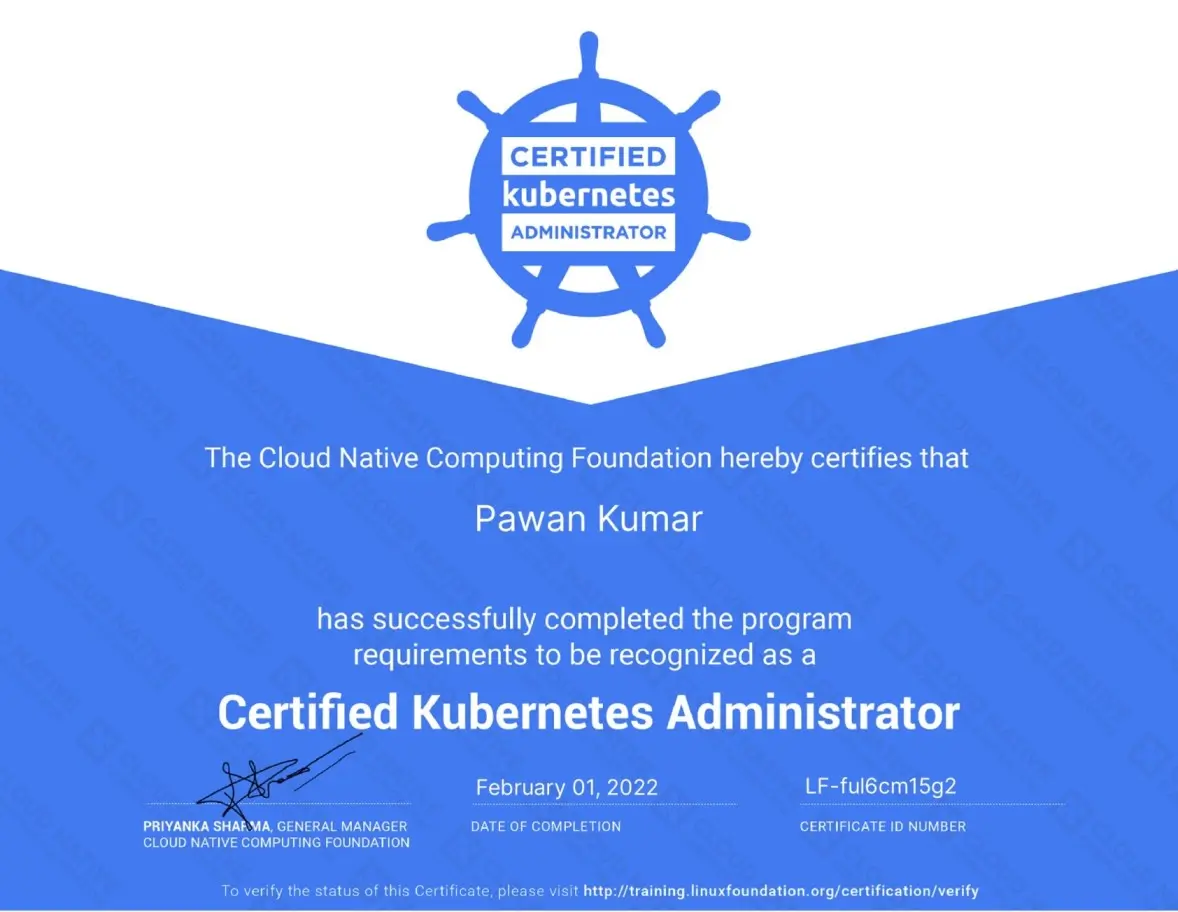
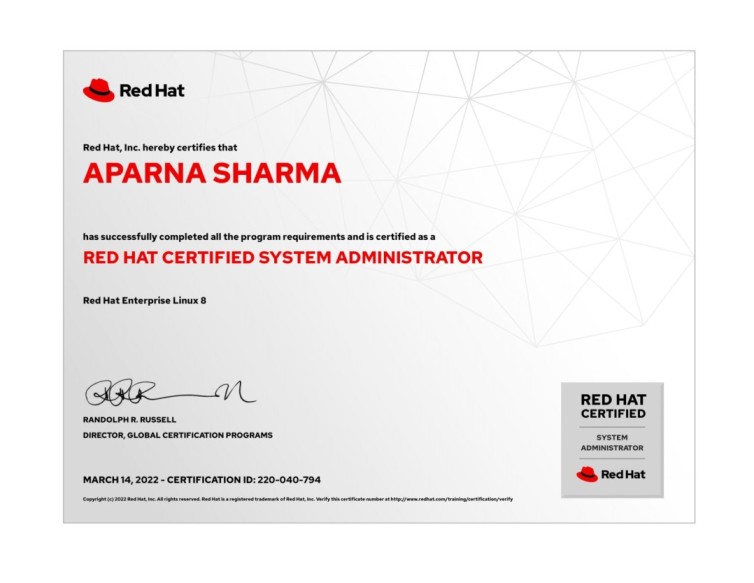
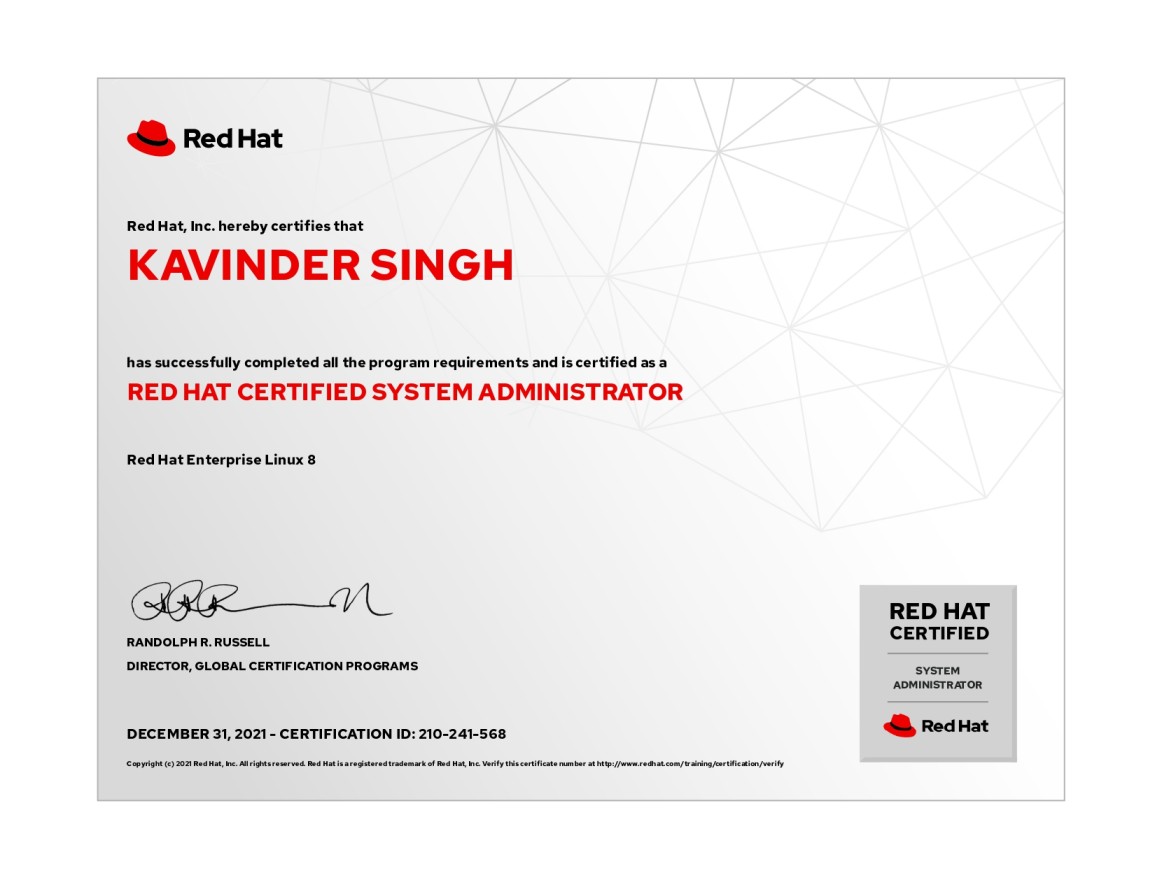
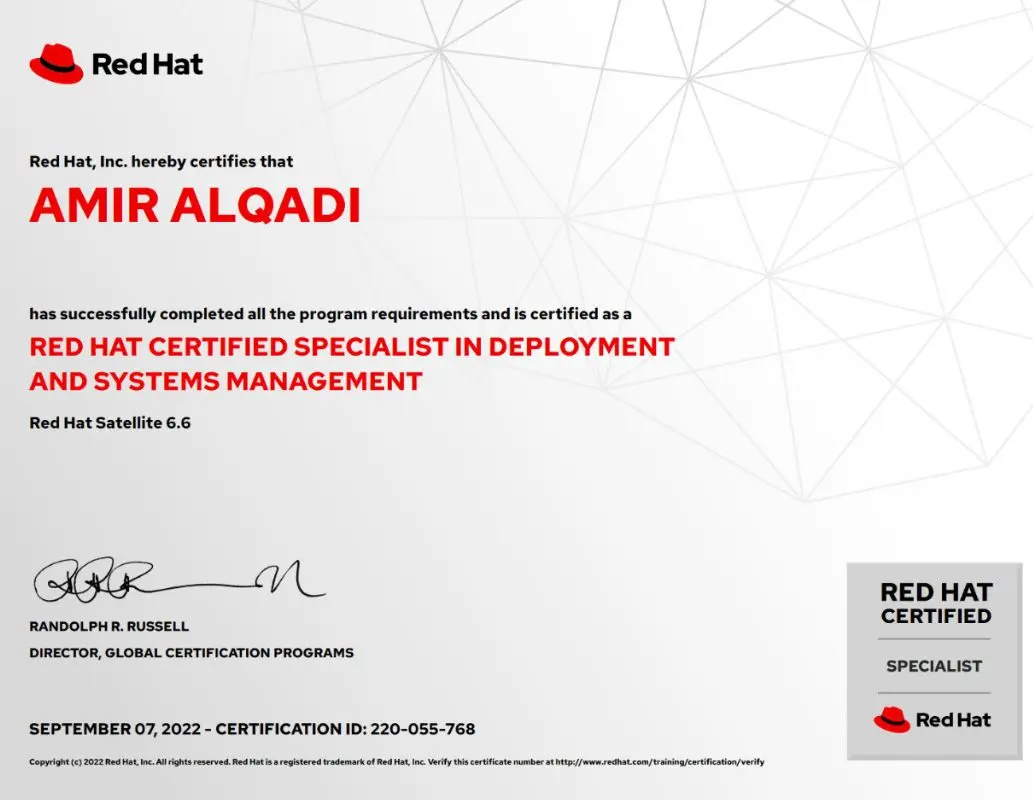
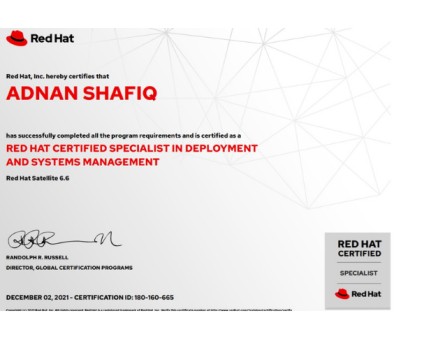
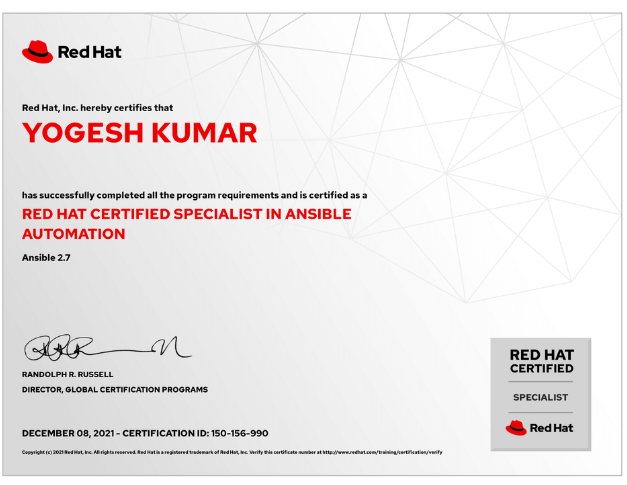
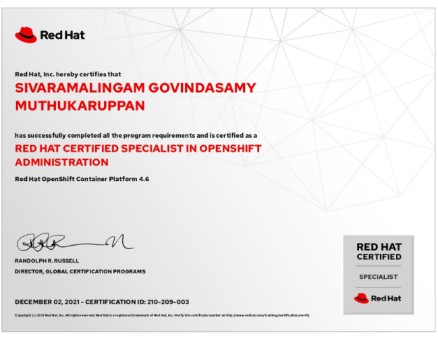
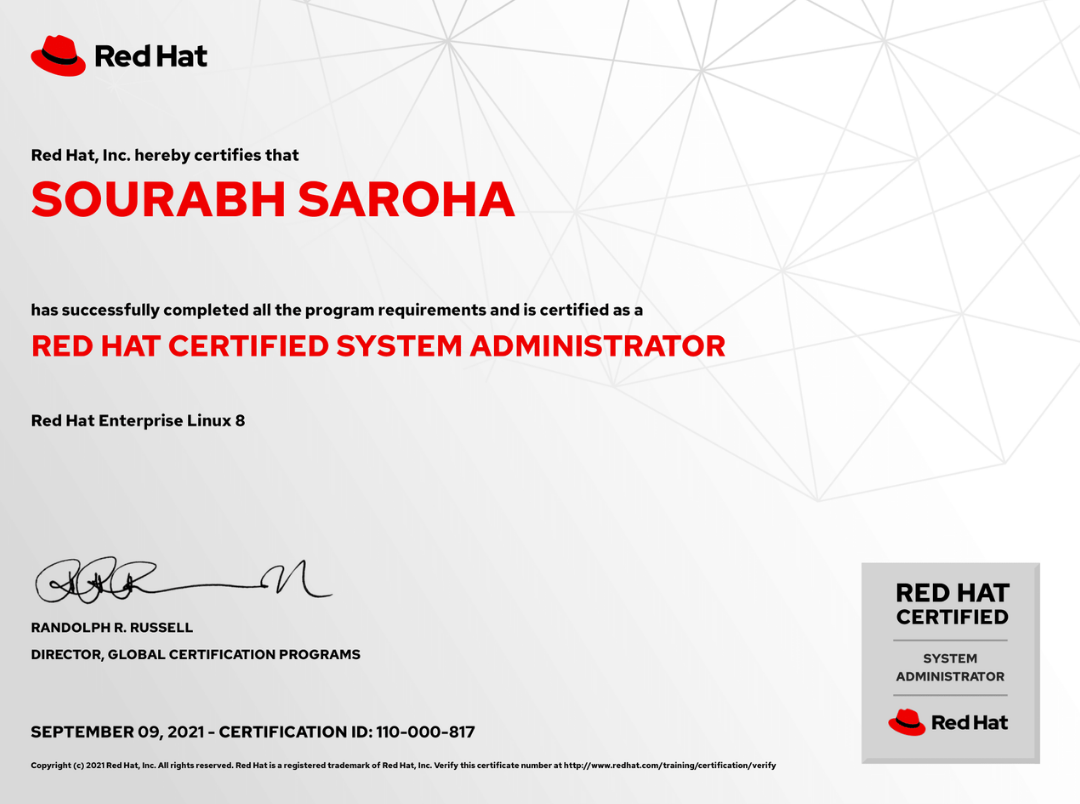
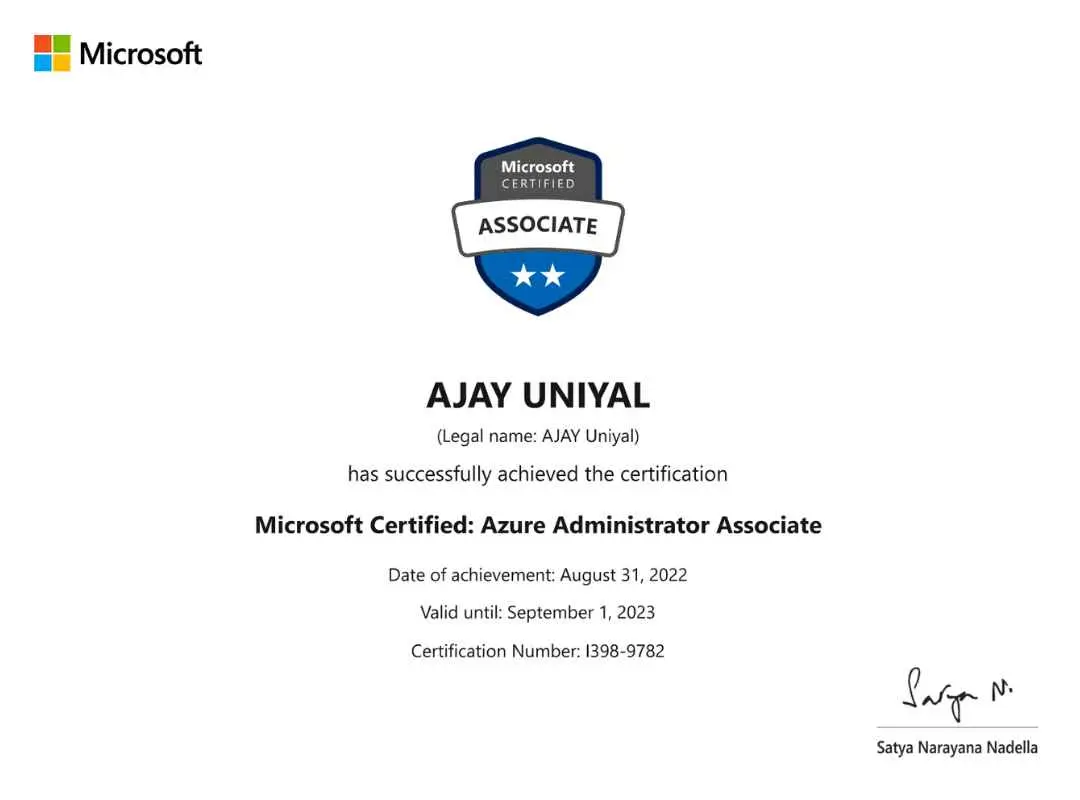
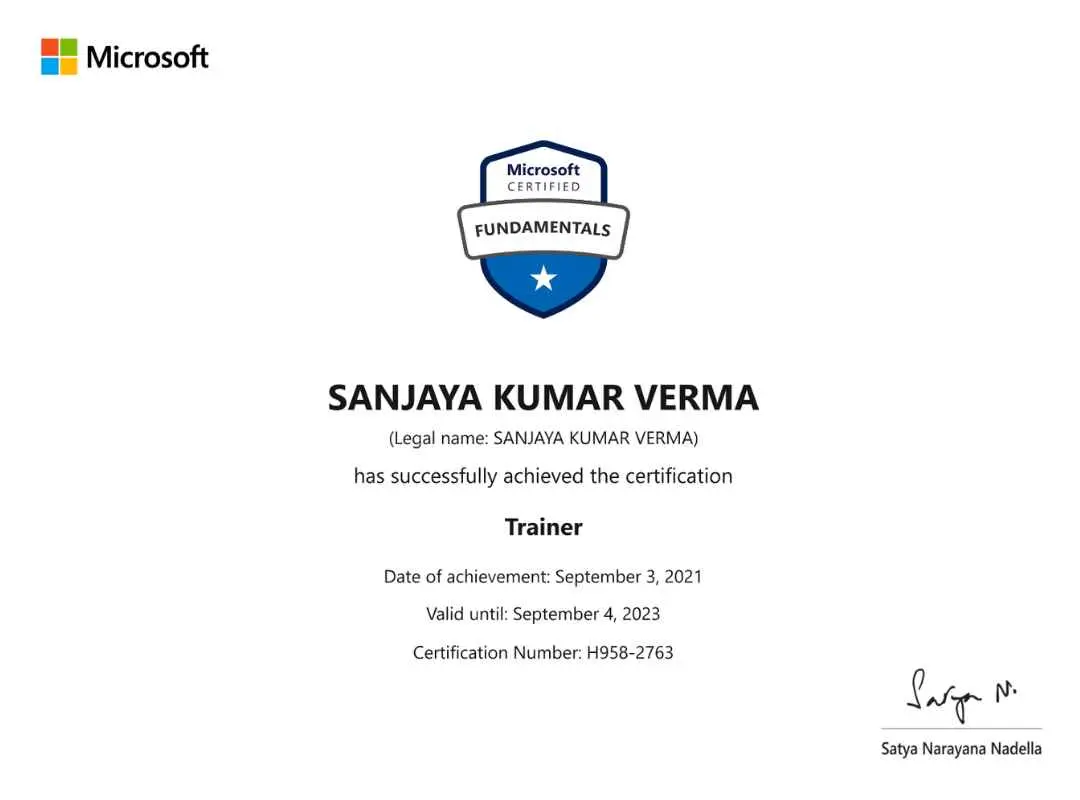
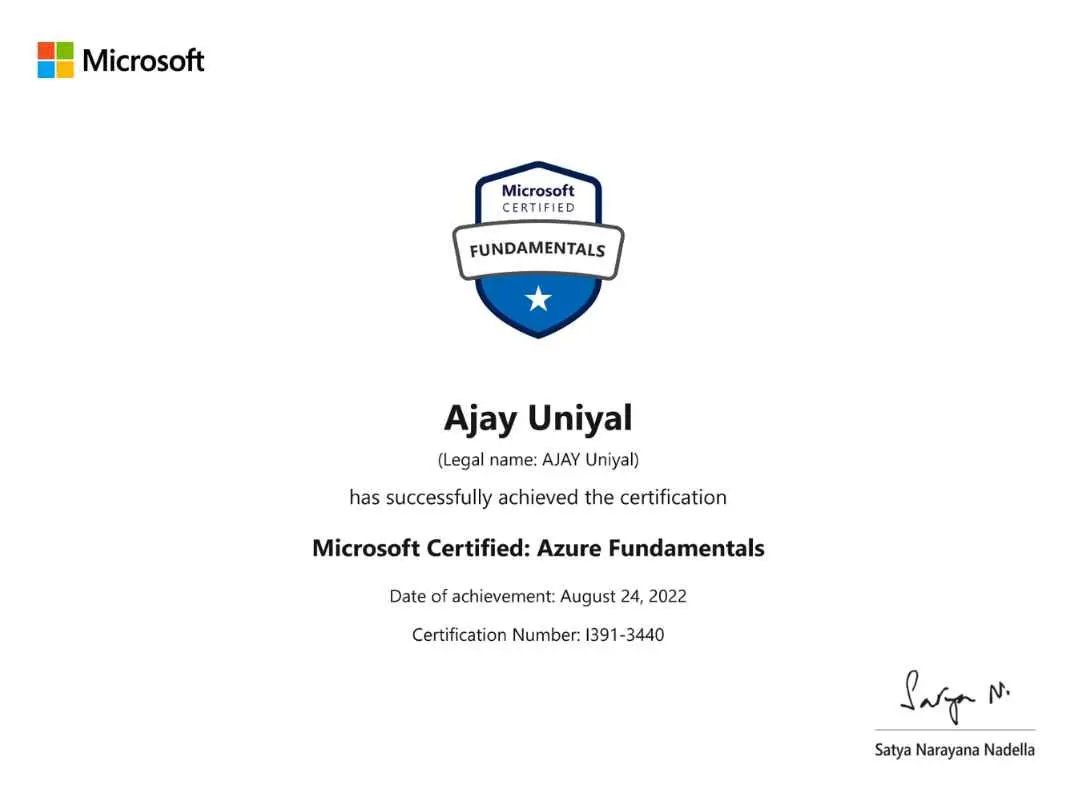
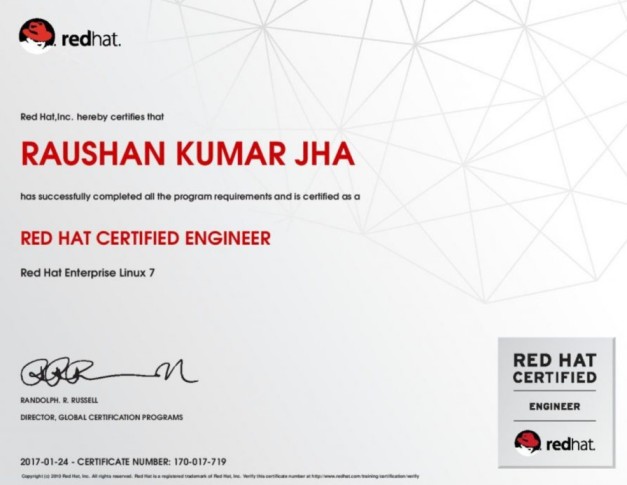
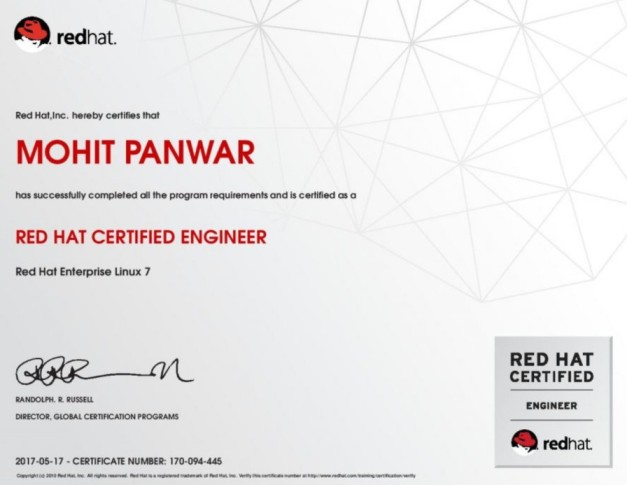
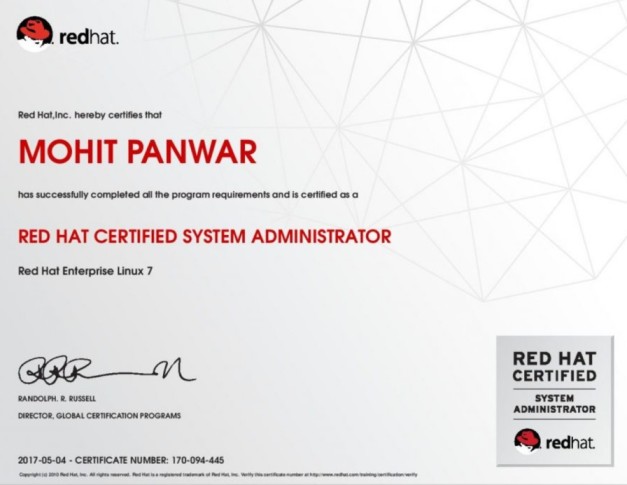
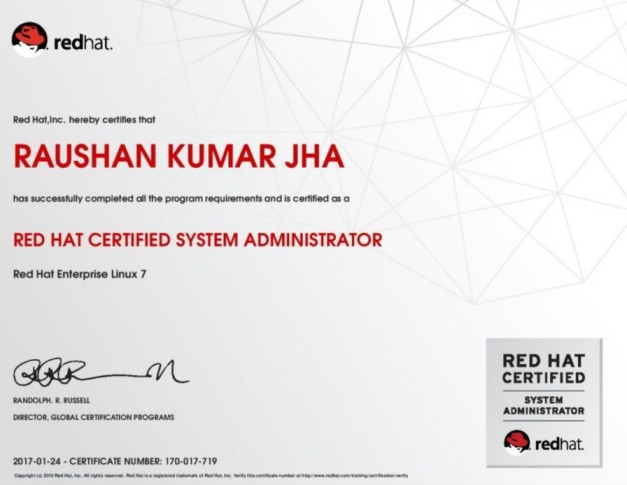
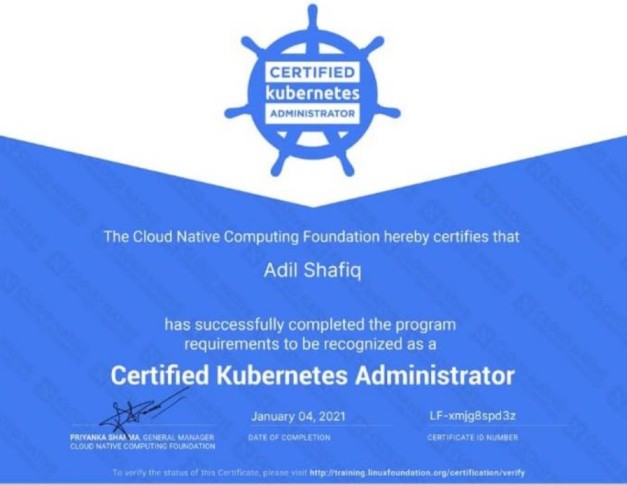
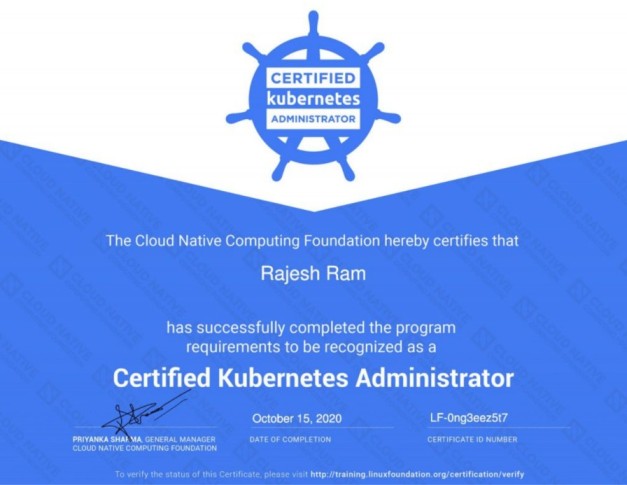
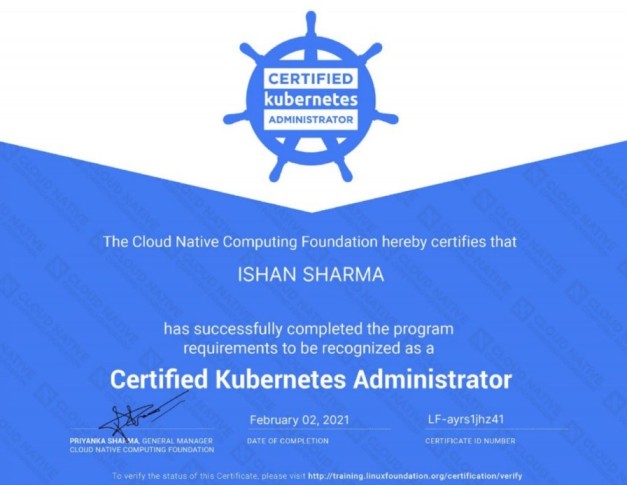
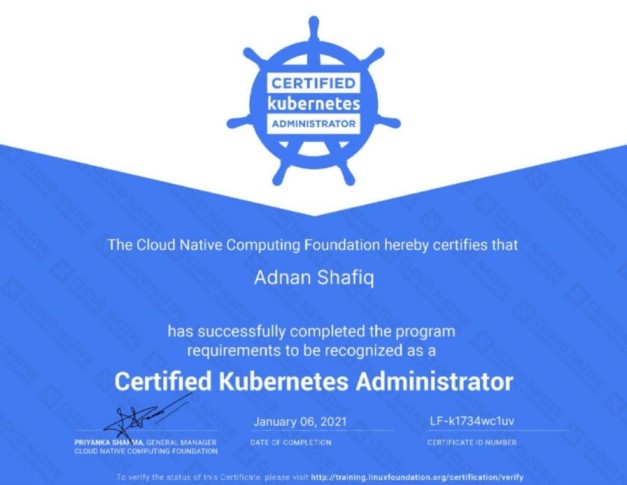
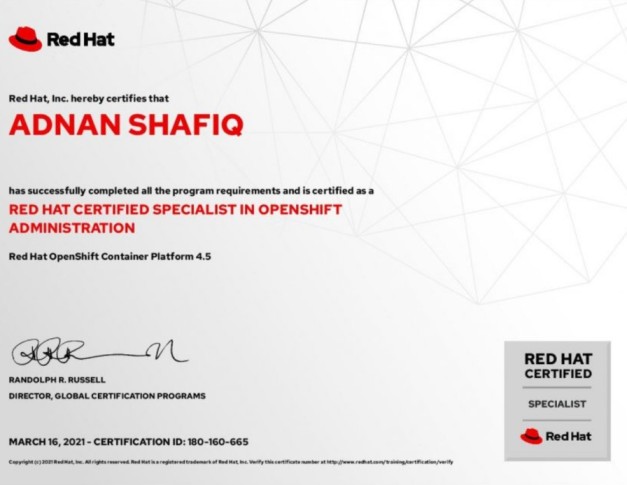
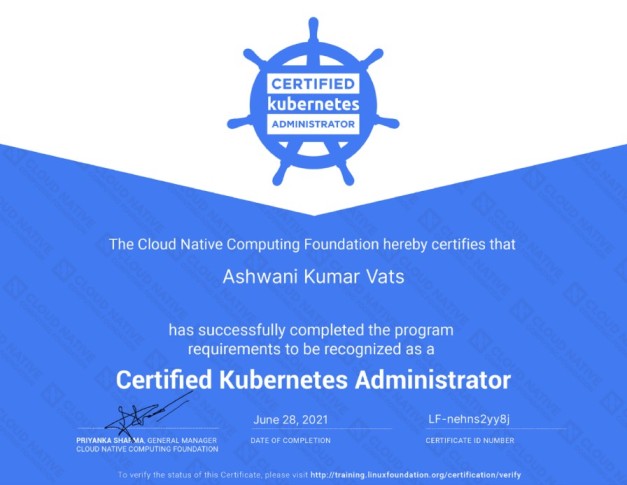
Certificate Gallery
.jpg)
.jpg)
.jpg)
.jpg)
.jpg)