

About Program
- Understand and use essential tools for handling files, directories, command-line environments, and documentation.
- Operate running systems, including booting into different run levels, identifying processes, starting and stopping virtual machines, controlling services configuring local storage using partitions and logical volumes.
- Create and configure file systems and file system attributes, such as permissions, encryption, access control lists, and network file systems deploy, configure, and maintain systems, including software installation, update, and core services.
- Manage users and groups, including using a centralized directory for authentication and manage security, including basic firewall and SELinux configuration.
Key Highlights

Duration 90 hours
Live interacting learning
10+ projects and exercises
Course completion Certification
100% Job assistance program
Flexible Schedule
Recorded videos of classes
1:1 with Industry Mentors
Soft Skills Essential Training
Access to Learning Management System
Program Advantage
On completion of this course, you will get the following:
-
Completion certificate from Linux2Cloud..
-
Be in a position to clear the requisite certification exams and land the best jobs.
-
Hands-on practical training from beginner to advanced level.
Free Career Counselling
We are happy to help you 24/7
Career Transition

Akshat Puri
One of the best institutes i have studied in so far. A very big thank you to Linux2Cloud because of the learnings and confidence gained after completing my course i was able to clear my interview and bag a CTC of 20 plus LPA .
Detailed theory is followed by practical's and assignments for cementing the concept Well prepared LABS provided for practicing the learnings . Biggest plus you get additional complimentary sessions to prepare for your respective certifications at no additional cost .
 59% Average Salary
Hike
59% Average Salary
Hike
.png) 20 LPA Highest
Salary
20 LPA Highest
Salary
 700+ Career
Transitions
700+ Career
Transitions
 100+ Hiring Partners
Who Can Apply for the Program?
-
IT operations professionals
-
Network administrators
-
DevOps consultants
-
Systems, network, and cloud administrators
-
Testing, software automation, and security professionals
-
Non-IT professionals aiming to build a career in the cloud domain
-
Fresher’s who are graduated can apply for the program as well

Curriculum
Red Hat System Administration (RHCSA)
48 Hours 24 Module
Outline for this course
Module 01 – Introduction to
RHEL
Kernel
Shell
What is Linux/Unix?
Module 02 – Installation of LINUX
System requirements
Types of
Installation
Installation steps
Module 03 – Accessing the Command
Line
Introduction of CLI, GUI &
VC
Introduction to Bash
Shell
Introduction to
Terminal
File System Hierarchy
Basic Commands
Editor
More operations on shell
Module 04 – Managing User &
Groups
Users
Groups
Managing Password & Account Policy
Important files related to user and group
Switch user
Managing User privilege with SUDO
Module 05 – Managing Permissions In
Linux
File Permissions
Special Permissions
Module 06 – Managing Network
TCP/IP Network Model
Network Commands
Introduction of IPv4 Addresses
Introduction of MAC
Introduction of IPv6
Network Troubleshooting
Module 07 – SSH (Secure Shell)
Openssh
Key-based
authentication
Compression and Archiving
Hands-on Labs
Module 08 – Package Management
RPM Package Manager
Yum Package Manager
Yum v/s .DNF
Hands-on Labs
Module 09 – Controlling Services &
Daemons
Features of Systemd
Using Service Unit
Using Target Unit
Configurations of Systemd
Module 10 – Managing Linux
Processes
Parent and Fork Process
Process State
Listing Process
Process as Job
Killing Process
Describing Load Average
Module 11 – Analyzing & Storing
Logs
Log Priority
System-journald
Rsyslog
Log Rotation
Module 12 – Analyzing Servers &
Getting Support
Enable Web console-Cockpit
RedHat Insight
Module 13 – Managing Standard
Partitions
Partition Scheme as
Disk Naming
Managing Disk by parted
Created partition by fdisk
Filesystem
Mounting the Partition
Managing Swap partition
Module 14 – Managing Logical
Volumes
Logical Volume
Management(LVM)
Module 15 – Selinux - Security
Enhanced Linux
Introduction of
SELinux
Managing File’s Context
level
Managing Port’s context level
Managing SELinux Boolean
Module 16 – FireWalld - Managing
Network Security
Zones in Firewalld
Helpful commands of
IPtables
Module 17 – TroubleShooting & Boot
Process
GRUB2 – Grand Unified Boot loader
Breaking Root .Password
Securing Root password
Debug Shell
Using The Emergency Rescue Targets
Boot Process
Module 18 – Task Scheduling
Schedule Job Using “at”
Schedule Job using “crontab”
Managing Temporary File
Module 19 – Accessing Network
Attached Storage
Creating NFS Server
Creating NFS Client
Module 20 – Kickstart &
Virtualization
Steps involve in
Kickstart
Virtualization
Module 21 – Improve Command Line
Productivity
Use of Find
Use of Grep
Use of SED
Use of AWK
Writing Simple batch Scripts
Hands-on Labs
Module 22 – Task Scheduling
Schedule Job Using “at”
Schedule Job using “crontab”
Managing Temporary File”
Module 23 – Accessing Network Attached Storage
Creating NFS Server
Creating NFS Client
Module 24 – Kickstart & Virtualization
Steps involve in Kickstart
Virtualization
Red Hat Certified Engineer (RHCE)
32 Hours 12 Module
Outline for this course
Module 01 – Introduction of
Ansible
Admin Task
What is Automation
Infrastructure As Code
Ansible
Ansible – Agentless Tool
Service Managed by Ansible
Service Beyond Ansible
Properties of Ansible
Ansible Tower
Installation of Ansible
Ansible – Control Node & Managed Host
Installation with subscription
Installation with python
Installation with epel
Hands-on Labs
Module 02 – Deploying by Ansible
Ansible Inventory
Overriding the Location of the Inventory
Host Patterning
Ansible Infrastructure
Authentication with root
Authentication by Local User
SUDO Configuration for Ansible
Ansible Configuration
Customizing location of ansible.cfg
Ansible Module
Core Module
Extra Module/Community Module
Custom Module
Module Categories
Ansible-doc
Idempotentency with Module
Module 03 – Ansible Ad-Hoc
General Module Category
Ping Module
Setup Module
To Check facts
Stat Module
File Module
Copy Module
Fetch Module
Synchronize Module
Yum Module
Service Module
User Module
Authorized _key
ACL Module
URI Module
Unarchive Module
Cron Module
Selinux Module
Shell Module
Command Module
Logs on Managed Host
Module 04 – Implementing Playbook
Playbook vs AdHOc
Managing Playbooks
Basic of Play Book
Simplify the complexity of space in YAML file
Basic Sample of Playbook
Deprecated sample of Playbook
Playbook with Privilege Escalation
Execution and Troubleshoot of Playbook
Playbook and Idempotent
.Multiple plays in playbook
More Usecase of Playbooks
Managing files Using Playbook
Module 05 – Variables in Ansible
Introduction
Naming Variable
Defining Variable
Play Scope Variable
Host based and group based variables
Global Scope Variable
Variables and Arrays
Variable in external file
Include variable for Task
Debug and Register Variable
Debug
Register
Hands-on Labs
Module 06 – Ansible Vault
Commands of Ansible Vault
Ansible Vault and Playbook
Hands-on Labs
Module 07 – Variables in Ansible
UsingAnsible Facts
Older fact Approach
New fact Approach
Disable Ansible Facts
Custom Facts
How to call custom facts in play book
Write custom fact on managed host
Usingcustom fact on managed host
Hands-on Labs
Module 08 – Implementing Task
Control
Loops in Playbook
Loop Sample
Loop with Variables
Conditions in Playbook
Logical Conditions
Loop and Conditional Task
Enable disable task using Booleans
Implementing Handler
Error Handlers
Ignore_errors = yes
Force_handlers: yes
Block error handling
Failed_when:
Changed_when
Module 09 – Jinja Templete
Magic Variable
Loops in JInja2
Hands-on Labs
Module 10 – Managing Large Projects
Managing inventory
Selecting Host and Patterning
Dynamic Inventory
Fork and Serial in ansible
Fork
Serial
Including and Importing files
Limitations of Includes
Module 11 – Implementing Roles
Path for Roles
Creating Roles
Ansible Galaxy
Installing RHEL System Roles
Hands-on Lab
Module 12 – Troubleshooting &
Automating Admin Task
Troubleshooting
Commands
Automating Admin
Task
New Batch Starting From
11th
Feb 2023 Saturday-Sunday
8:00 AM to 11:00 AM IST
27th
Feb 2023 Monday-Thursdays
6:00 PM to 9:00 PM IST
Interested in This Program? Secure your spot now.
The application is free and takes only 1 minutes to complete.
Projects
The project aims to enhance the security and performance of the Linux server by implementing best practices recommended by RHCSA (Red Hat Certified System Administrator) and RHCE ( Red Hat Certified Engineer ). This server will host various web, email, and database services. The project will focus on the following areas:
Reviews

Vikas Pandey
I really enjoyed and learnt a great deal in the training sessions of Course.so. I joined the institute on my friend's recommendation and I'm really glad I did. It proved to be a deal-breaker for me and finally helped me switch my career from a Support background to the DevOps field enabling me to join a Microsoft partner company, Hanu Softwares as a Sr. Cloud Engineer.

Siva GM
Course.so is among a very few training institutes that deliver Instructor led online OpenShift course at an affordable cost. Training sessions are recorded and made available to the students. Chat sessions are open throughout the duration of the course to interact with the trainer. Their trainer is a subject matter expert. All the concepts are very well explained, perfect materials, assessments and pratice papers to prepare for the exam. Was able to clear the exam on my first attempt. Labs from Course.so are also a great addon which is included for free with the course. Course.so team are very helpful right from the time you sign up till the course completion or certification. Recommended for anyone aspiring to get certified in OpenShift.

Nikhil Kumar
Hi Guys, I would like to share my personal experience for Course.so, which is one of the best training institute for Devops courses, I had enrolled for Redhat admin and Ansible along with the Terraform which is an Iac tool and these training courses enabled my potential and helped me to switch my career from a Support background to a Devops expert. I would like to highly recommend for those working professional who wants to make their career in Devops. You will get lots of assignment that helps you to build up you practical knowledge. 5Stars for Trainers, Study Material, Teaching techniques.

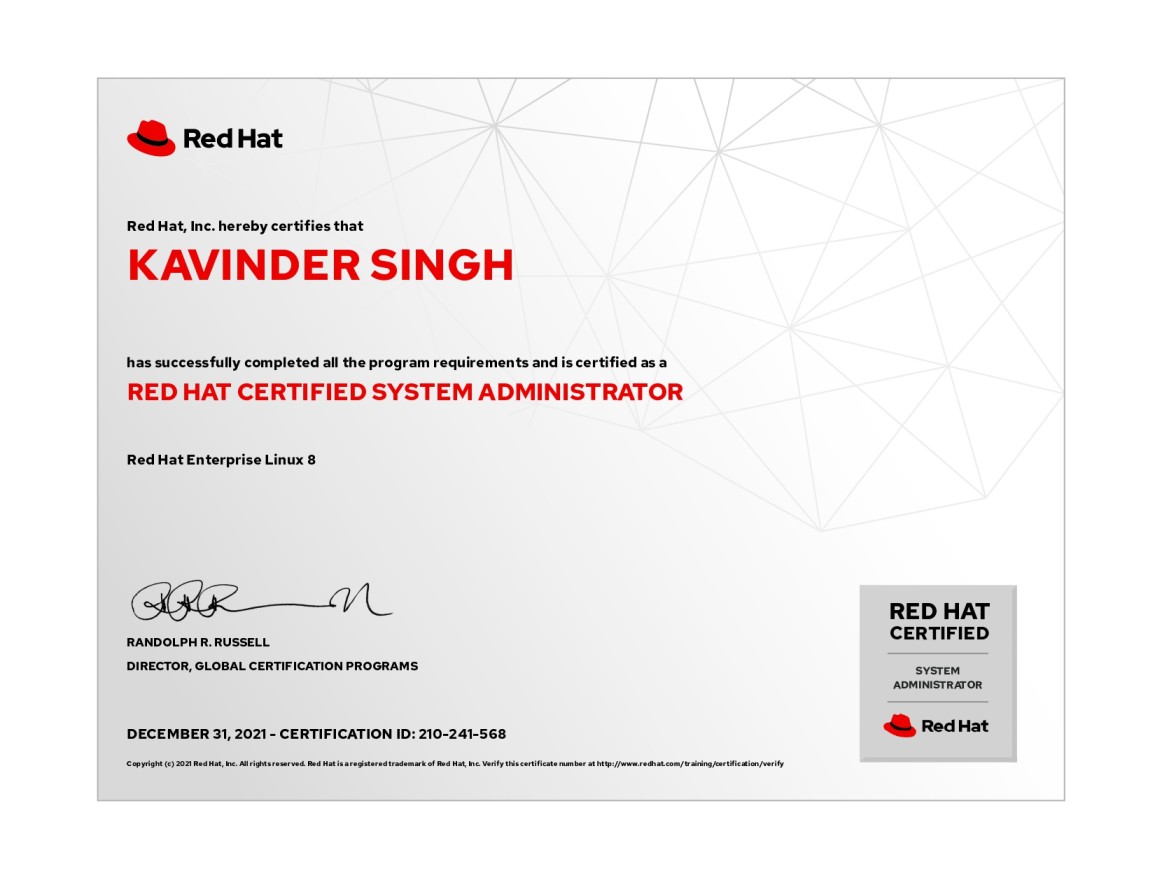
Kavinder Singh
I have completed RHCSA course from here. My experience of learning this course was fantastic and the teaching faculty is really good .

Akash Sharma
It was great experience with Course.so. They have experienced trainers. Trainer's are very polite and professional. Good study material provided by them. If you want to learn DevOps, Course.so is the correct institutions for that. I would strongly recommend.

Sourabh saroha
I enrolled my self for RedHat exam with Course.so. The training experience was awesome and the trainers have deep knowledge of every topic and concepts.
Our Alumni Works At

























Ebook section
Top Interview
Questions

Ace Your Next Linux Job Interview: Mastering the Top Questions and Key Concepts
Free
.png)
Things to know about linux
The application process consists of three simple steps. An offer of admission will be made to selected candidates based on the feedback from the interview panel. The selected candidates will be notified over email and phone, and they can block their seats through the payment of the admission fee.

Red Hat Traning for unlimited possibility and career opportunities
Today, the IT industry is advancing at an aggressive pace and is always on the...
Read more
Top 8 Reasons Why You Should Choose Linux?
Linux, the open-source operating system is witnessing its prime success in...
Read more
Things You Didn't Know About Ansible?
The growing buzz about Ansible in recent years is all for the right reasons...
Read more
What Jobs Are Available After Getting Red hat RHCA And RHCE Certification?
Red Hat certification offers several professional certifications based on its ...
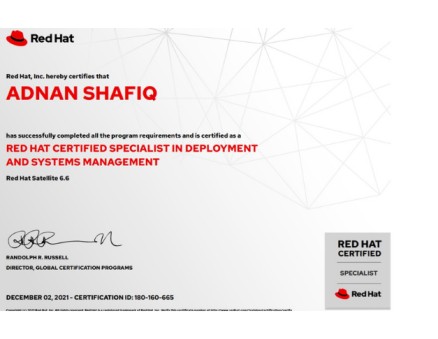
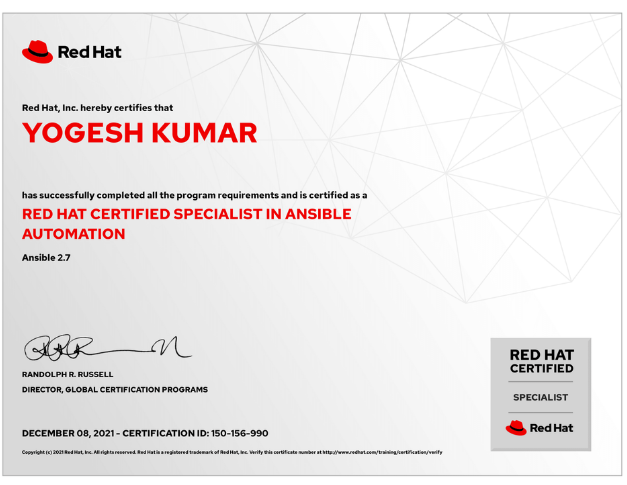
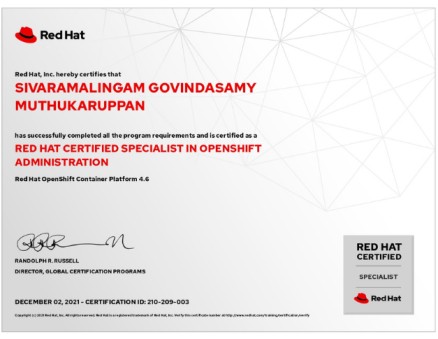
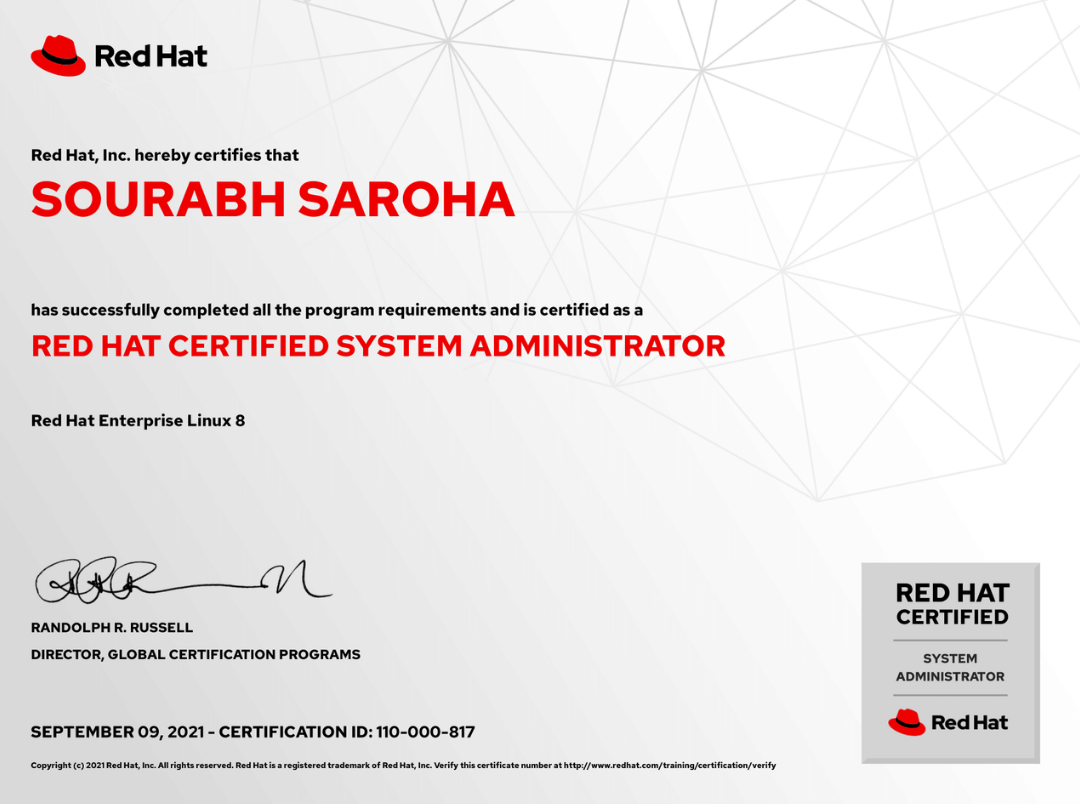
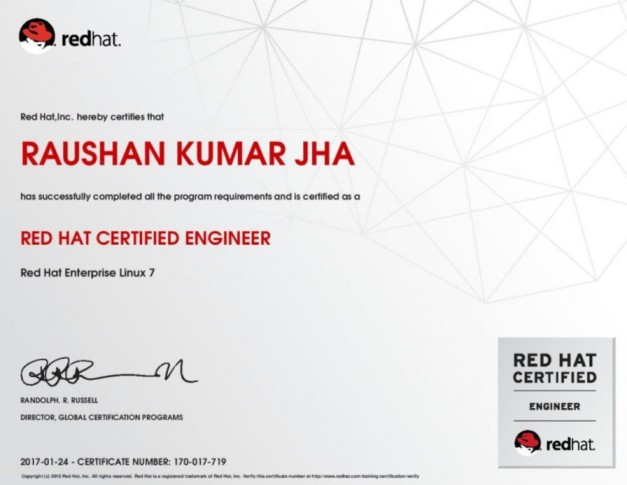
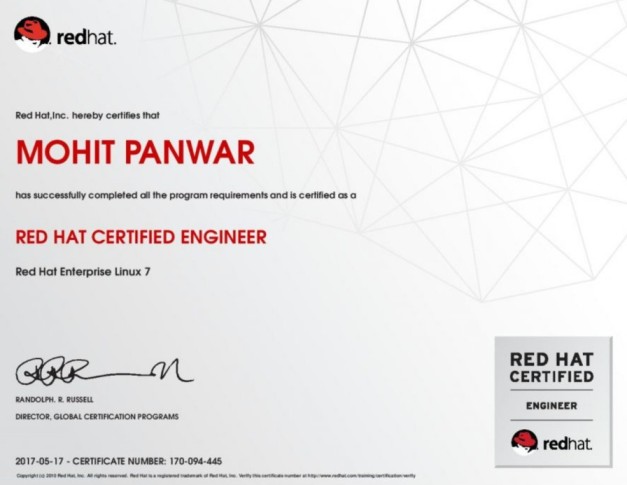
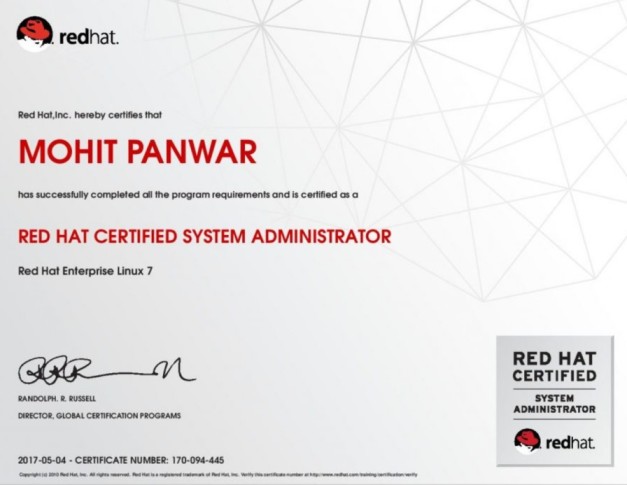
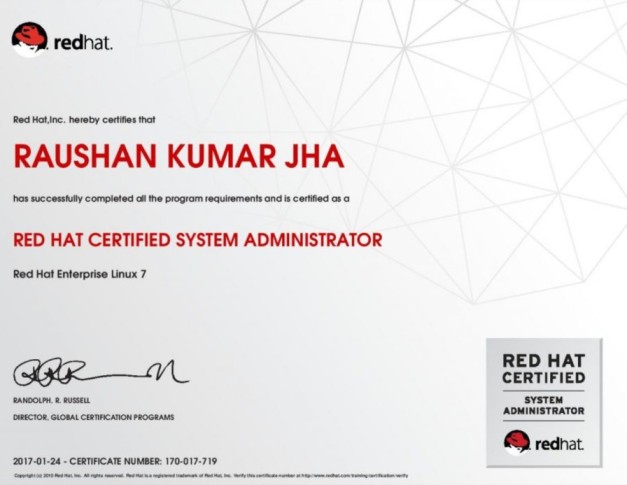
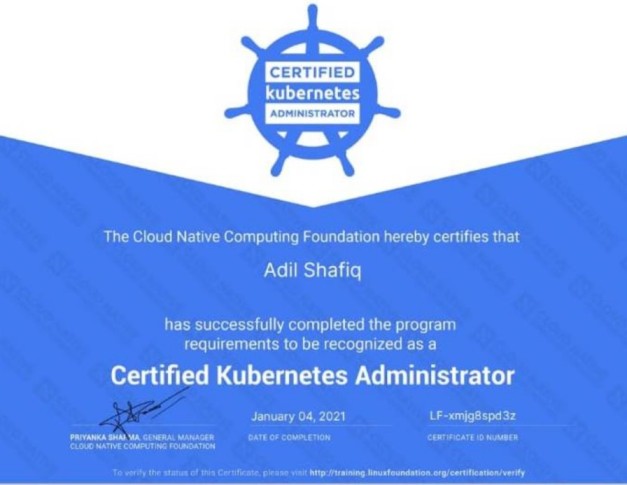
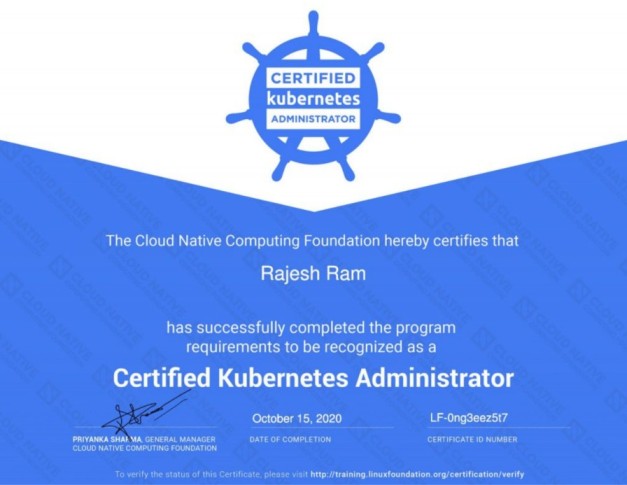
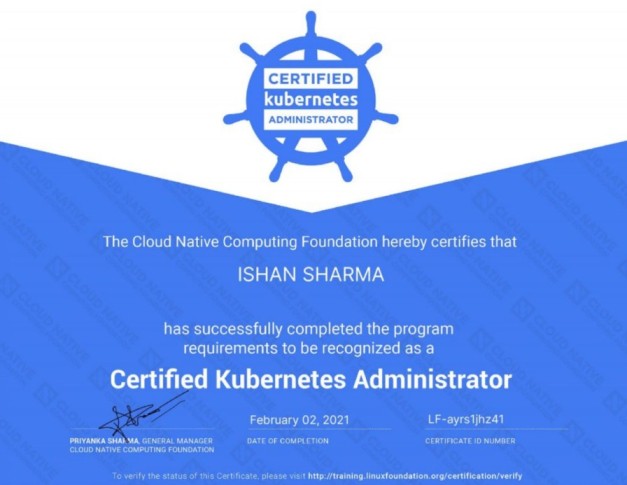
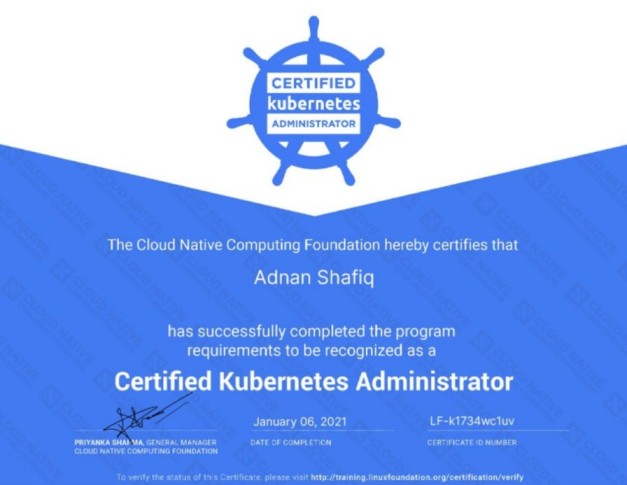
Read moreCertificate Gallery
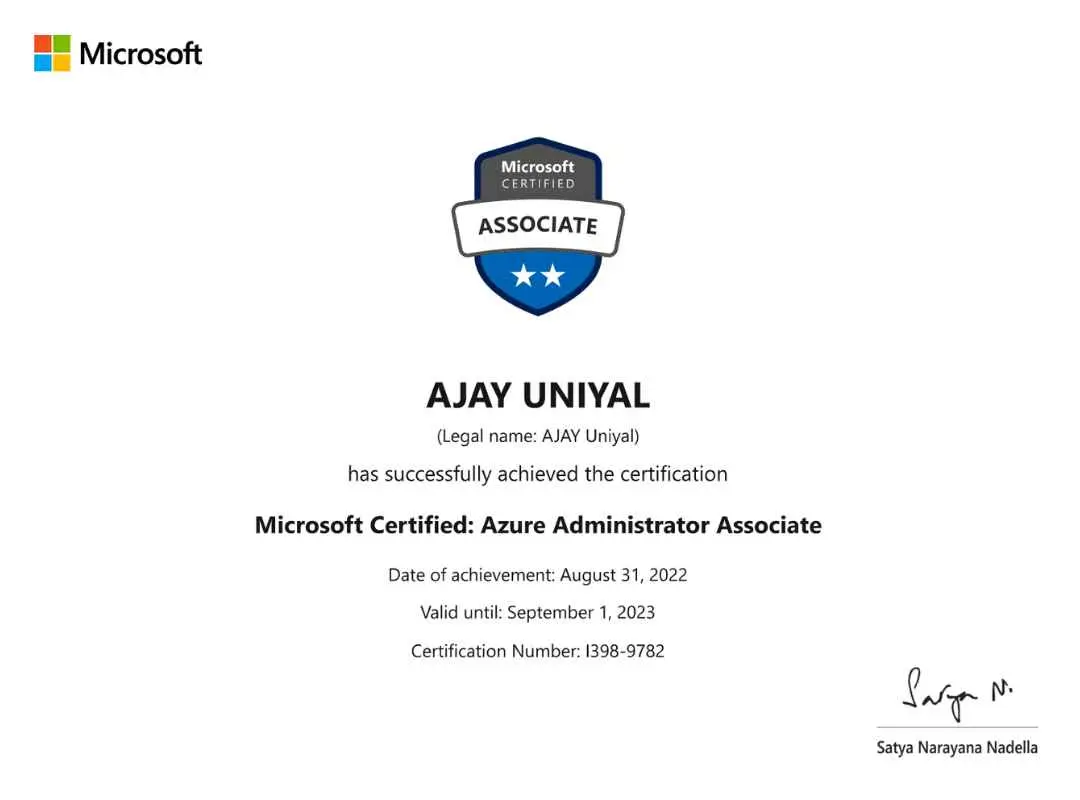
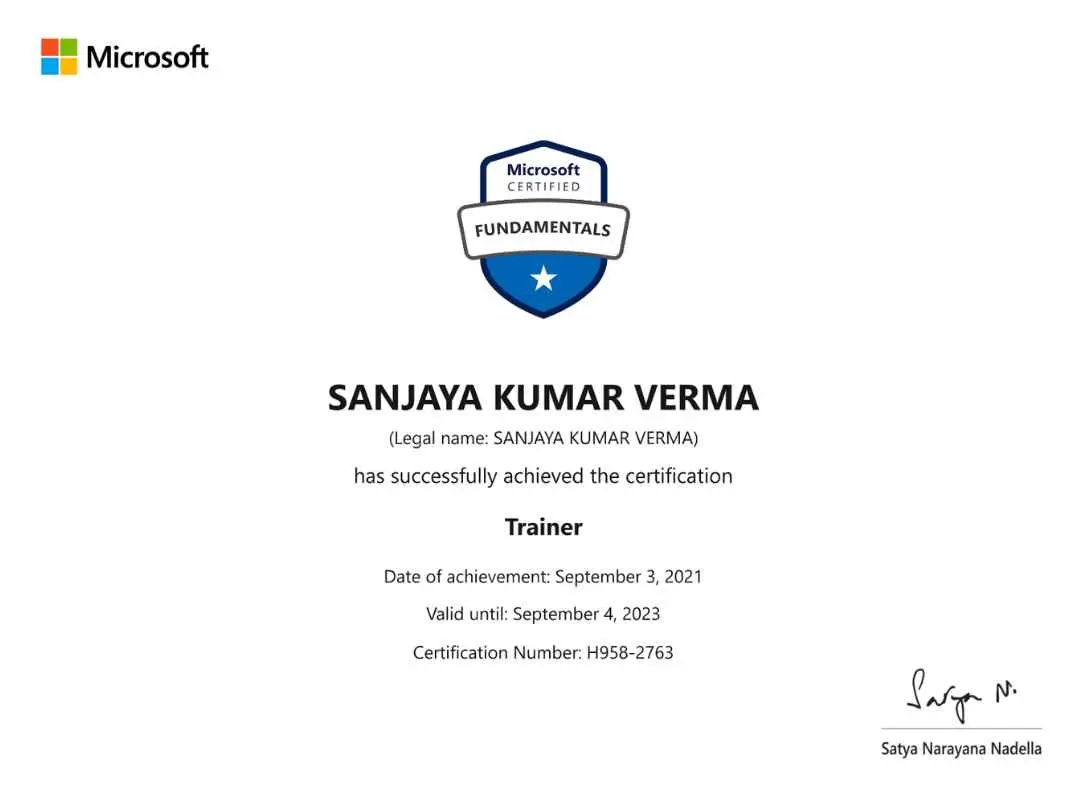
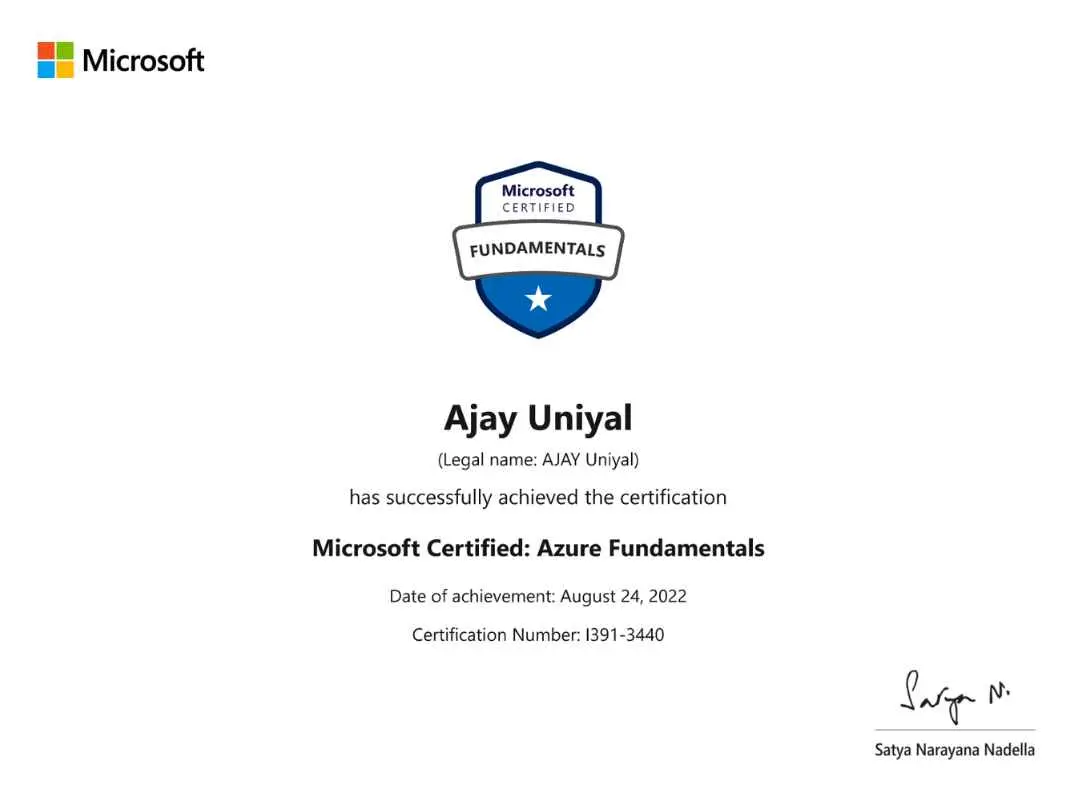
.jpg)
.jpg)
.jpg)
.jpg)
.jpg)